Roomagic - AI Tool for Architecture & Design

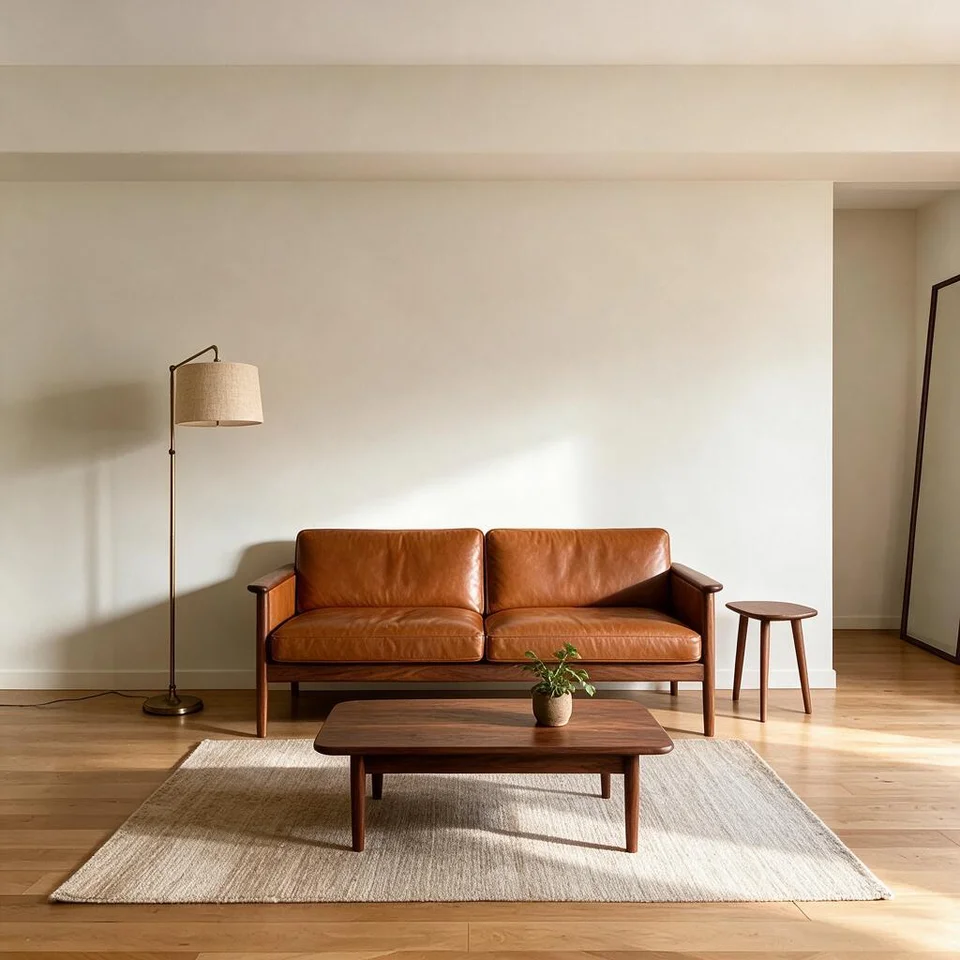
Roomagic turns a room photograph into interior redesign concepts. Users choose a room type, design style, output quality and optional instructions, then compare the result with the original. In our November 2026 test, one Standard render cost 10 credits, changed furniture and finishes, and broadly preserved the room geometry and camera angle. The generated report included design reasoning, material suggestions and indicative budget ranges. Roomagic also advertises exterior and garden workflows, up to four variations, and HD/4K output on paid plans. Those options were not part of our single-render test. Outputs are early design concepts; dimensions, installation advice and budgets need independent professional verification.
Key Features

Upload a JPG, PNG or GIF photograph
Choose from 35+ advertised design styles
Add instructions about furniture, materials and room layout
Compare the original photograph with the generated concept
AI design report with material suggestions and indicative costs
Residential, commercial, interior and exterior controls
Up to four render variations per run
Paid HD/4K output and private renders

Overview

Roomagic turns a room photograph into interior redesign concepts. Users choose a room type, design style, output quality and optional instructions, then compare the result with the original. In our November 2026 test, one Standard render cost 10 credits, changed furniture and finishes, and broadly preserved the room geometry and camera angle. The generated report included design reasoning, material suggestions and indicative budget ranges. Roomagic also advertises exterior and garden workflows, up to four variations, and HD/4K output on paid plans. Those options were not part of our single-render test. Outputs are early design concepts; dimensions, installation advice and budgets need independent professional verification.
Research Highlights & Evaluation Tips

Roomagic advertises key functions such as Upload a JPG, PNG or GIF photograph, Choose from 35+ advertised design styles, Add instructions about furniture, materials and room layout, Compare the original photograph with the generated concept. These capabilities are pulled directly from the vendor’s public materials so your team can gauge how the platform copes with everyday project requests.

Teams typically deploy Roomagic for workflows like Interior remodeling concepts, Furniture and finish exploration, Client discussion boards. Mapping these scenarios to your current pipeline makes it easier to justify pilot budgets and set measurable KPIs.

Implementation checklist

  • Start with the free allocation to validate output quality and confirm the UI works on the hardware your team carries into the field.
  • Paid options such as Pro Monthly, Pro Annual unlock higher resolution exports and support commitments—use these tiers when client deliverables demand consistent turnarounds.
  • Save the vendor’s support channel in your runbook to escalate blockers quickly during time-sensitive submissions.

Best Fit, Tradeoffs, and Alternatives

When to shortlist Roomagic

  • Roomagic is most relevant when your team is actively comparing interior design & remodeling options rather than browsing a generic AI directory.
  • Use the free tier first to test output quality, prompt control, and export constraints before adding it to a client-facing workflow.

Questions before adoption

  • Does Roomagic support the deliverable you need this week, such as Interior remodeling concepts or Furniture and finish exploration?
  • Can the exported files, resolution, and licensing terms survive review by your project lead, broker, or client?
  • Is there a clear owner on your team who will maintain prompts, before/after examples, and accepted output standards?

Use Cases

Interior remodeling concepts
Furniture and finish exploration
Client discussion boards
Early material and budget planning

Pricing

Free Plan

  • 30 credits on sign-up
  • Standard renders at 10 credits each
  • AI design report
Limitations:
  • • Google sign-in required
  • • Private rendering requires Pro

Paid Plans

Pro Monthly

$19/month

Designers and homeowners exploring multiple concepts

  • 1,000 credits per month
  • HD and 4K quality
  • Private renders
Billing: monthly

Pro Annual

$168/year

Regular users of photo-based design concepts

  • Equivalent to $14/month billed annually
  • 1,000 credits per month
  • HD and 4K quality
  • Private renders
Billing: yearly
Free trial available

Roomagic FAQ

What is Roomagic best for?

Roomagic is best evaluated for Interior remodeling concepts, Furniture and finish exploration, Client discussion boards. Compare it against your required deliverable, export quality, and review process before adoption.

Is Roomagic free or paid?

Roomagic offers a free option or free starting allocation, but teams should review credit limits, export restrictions, and paid tiers before production use.

What should I compare Roomagic with?

Compare Roomagic with Arch E AI, Archi AI, Indesignify if you want alternatives in the same Interior Design & Remodeling category.

Quick Info

Category

Interior Design

Subcategory

Interior Design & Remodeling

Pricing

Free

Last Updated

2026-11-19

Try Roomagic

Company Information

Support Options

HTML Sitemap